Tips for Maintaining a Genuine HP Laptop Battery
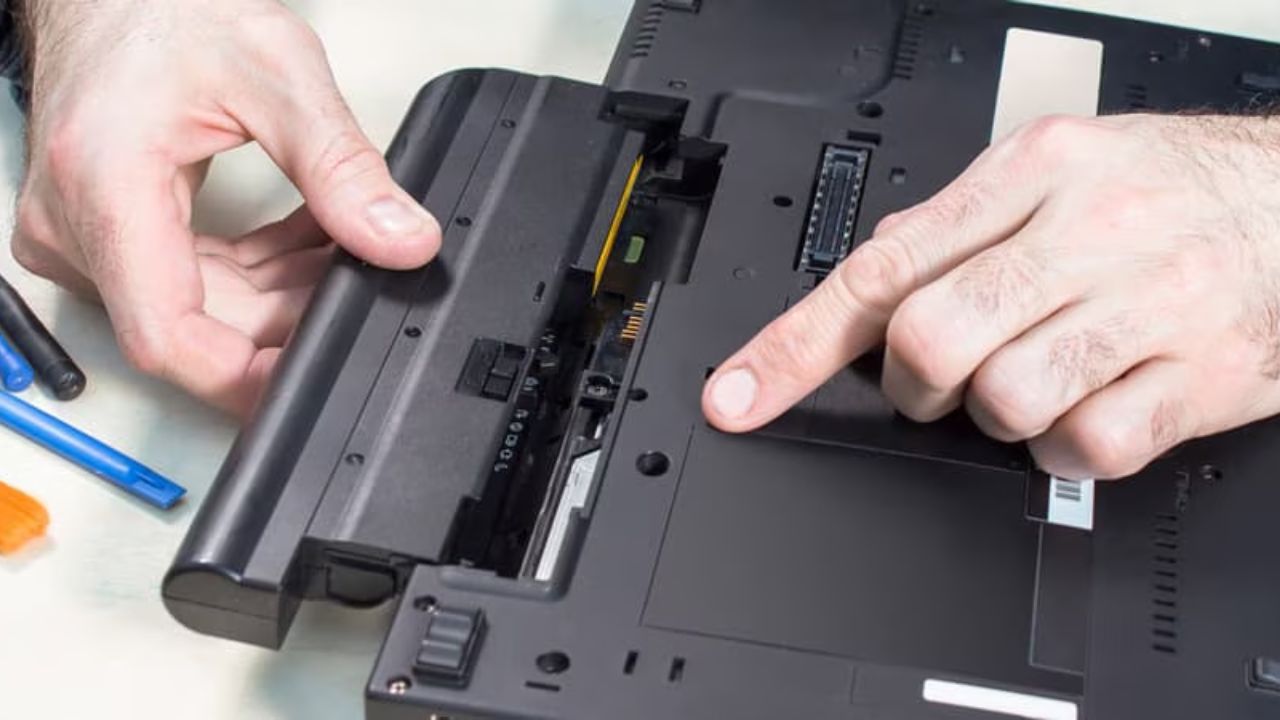
A Genuine HP Laptop Battery is a valuable component in maintaining a laptop to operate efficiently and dependably. It offers the energy that is required in daily activities like work, studying, communicating, and entertainment. But, as with all rechargeable batteries, it gradually becomes less effective with time unless it is taken care of. The major problem with many users includes draining quickly, overheating, or shortening of the backup time due to a lack of proper care of the battery. With some simple maintenance guidelines, users will be able to have a longer life cycle and better performance of their HP laptops.
Use Proper Charging Habits
Healthy charging practices are significant in keeping a real HP laptop battery. Users must not charge down to 0% too frequently because a depleted battery decreases in the long term. The daily use of it should also maintain the charge level at 20-80 percent. Charger: Plugging the charger upon need rather than letting the battery get fully depleted will aid in less stress on the battery cells. Concurrently, users must not leave the laptop unplugged continuously over many days without usage since this too can impact long-term battery performance.
Avoid Overheating the Laptop
One of the largest enemies of any laptop battery, including the real HP batteries, is heat. The battery cells may not last as long and may lose capacity to retain a charge when a laptop gets too hot. One should always work on a flat and hard work surface to enable the laptop to have a free flow of air. It should be prevented from blocking air vents when using the laptop on soft surfaces such as beds or cushions. Besides, the battery can also be damaged when the laptop is used in excessively hot places. Having the device cooled is recommended to maintain good and stable battery performance.
Always Use the Original Charger
The correct charger is of great importance as far as battery health is concerned. An original battery of an HP laptop is compatible with the HP battery charger and only this one. The use of cheap or counterfeit chargers can result in unstable power. This would damage the battery in the long run. Other causes of overheating or slow charging are incorrect voltage or low-quality charging cables. With the original charger, the user is assured of the safety and stability of power that can assist in increasing the lifespan of the battery and stabilize its performance.
Perform Regular Battery Calibration
Calibration of a battery is an excellent procedure that enhances battery accuracy and performance. With time, the laptop can display wrong battery percentages owing to normal usage. E.g., it can shut off sooner than anticipated despite the remaining battery showing some charge. Calibration can be used to correct this problem by resetting the power tracking system of the battery. To calibrate the device, the user will only need to charge the battery to full capacity, then let the battery run down to some point, and then recharge the battery to 100 percent again. This can be used to keep the battery readings and performance smooth.
Store the Battery Properly When Not in Use
It is very important to store a laptop or a battery properly in case the laptop or the battery is not going to be used in the long run. An authentic battery of an HP laptop must not be left with a full charge or no charge at all. The ideal would be to maintain it at approximately half charge, then store it. The battery is also not to be kept in direct sunlight or a wet place. The battery cells can be damaged by extreme temperatures even without using the laptop. Adequate storage will conserve battery life and avoid unwarranted destruction.
Avoid Heavy Background Usage
Many programs running simultaneously may deplete the battery and impair its long-term health. Background applications like automatic updates or unused programs use up unnecessary power. When powered by a battery, users should shut down applications that are unnecessary and limit multitasking. One can also place extra strain on the battery through heavy gaming or video editing without the need to charge the battery. Wise use will enable the users to reduce the stress on the battery and enhance its life generally.
Conclusion
To conclude, maintaining a real HP laptop battery does not require any difficult efforts; nevertheless, it requires maintenance and attention. Such straightforward routines as proper charging, not utilizing the heat, charging with the original charger, and power management can significantly vary the battery life. Frequent calibration and adequate storage can also be used to keep the performance over time. Users save on time of usage, improve reliability, and reduce technical problems by maintaining a good condition of their battery. Such a battery is not only well-maintained, but it also increases the performance of a laptop as well as saves money by postponing the replacement process.